Making 3D Models Dance in Python
So I spent Summer 2022 teaching a scientific visualization library how to load modern 3D files and make them move. Turns out getting a virtual fox to do backflips involves a lot more math than you'd think.
What's This All About?
FURY is this cool Python library that scientists use to visualize medical scans and research data. The problem? It couldn't load glTF files (the standard 3D format everyone uses these days) or animate anything. My mission was to fix that.
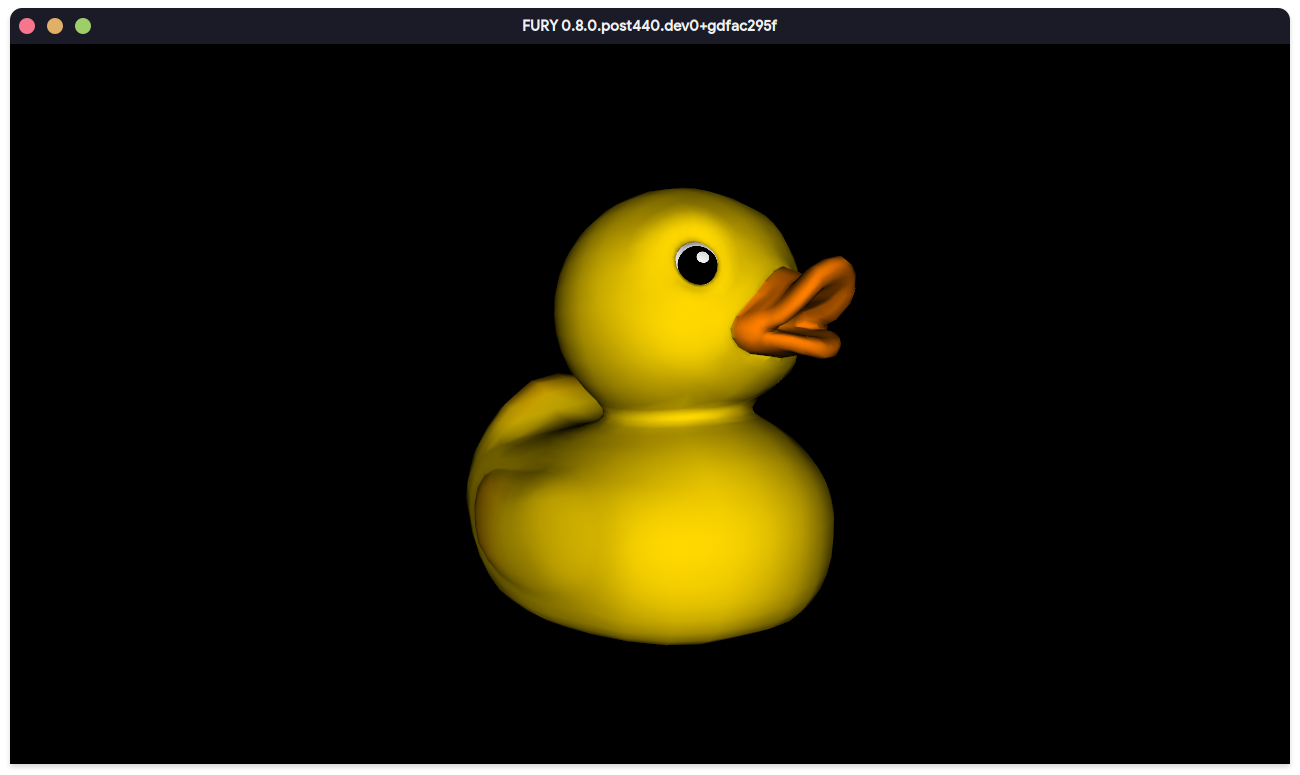
Finally getting textures to work was oddly satisfying
The Journey: From "It Loads!" to "It Moves!"
First challenge: loaded a model, and the textures were upside down. Classic. Turns out glTF thinks (0,0) is at the top-left, but VTK (what FURY uses) wants it at the bottom-left. One coordinate flip later, we were in business.
Simple Animations (The Easy Part)
So I thought, But it was far from easy. First of all, I had no clue how animations work behind the scene. So I went to the library, picked up the Computer Graphics book and applied a binary search on the content. I had a basic gist of how things work now. Also, huge thanks to Mohamed for explaining the animation pipeline that he wrote. Got basic translation, rotation, and scaling working pretty quickly. Convert some binary data to NumPy arrays, hook up a timeline, boom! things move.
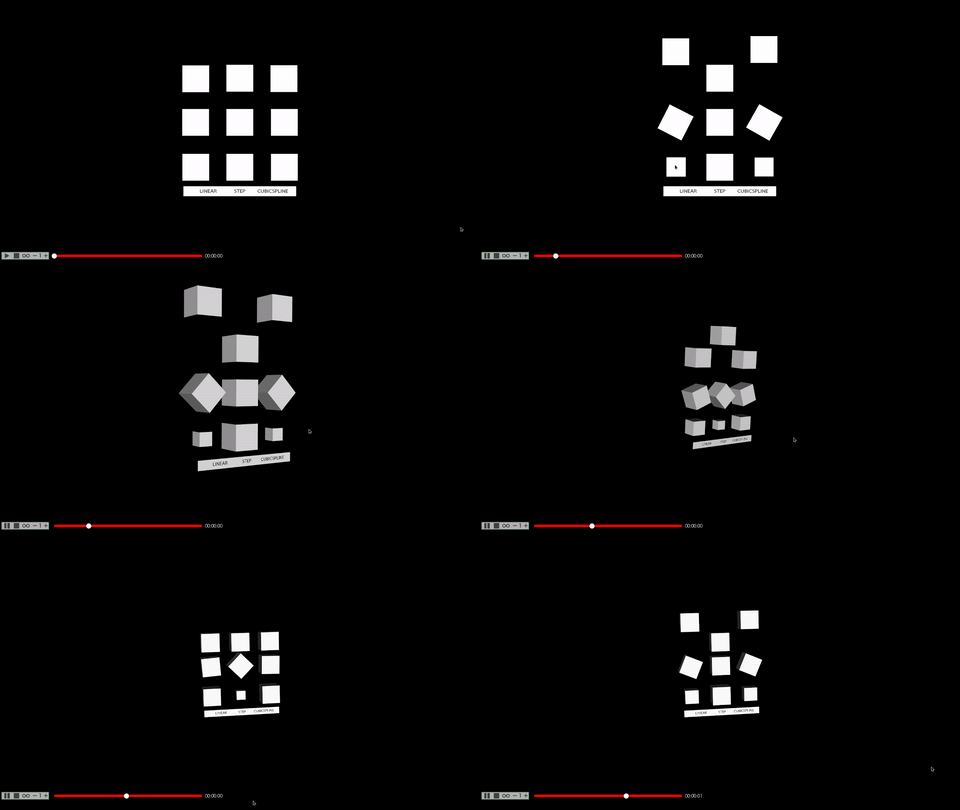
I was in love with these Spinning boxes
Morphing: When Cubes Get Weird
Morphing is basically vertex animation, you tell each vertex "hey, move over here a bit" and blend between poses. Implementing this meant wrestling with morph targets and weighted blending. But when it finally worked...
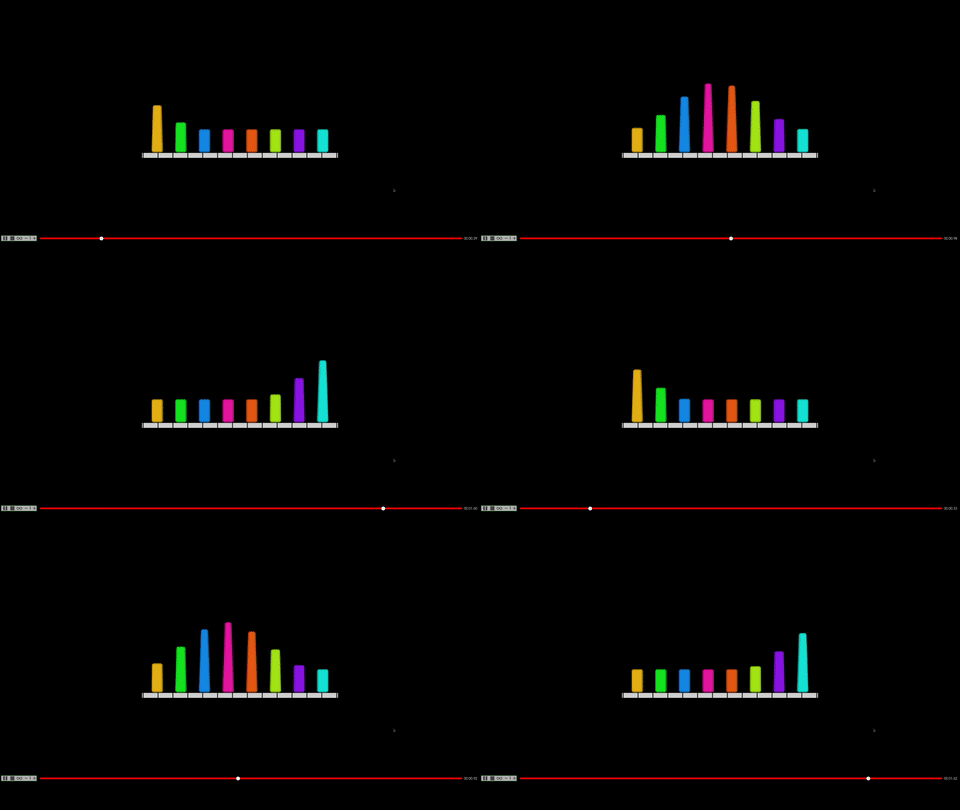
The AnimatedMorphCube doing its thing
At this point, I would show any of these features to my friends, They will say "I'm a mad scientist", and I'm obsessed with cubes.
Skeletal Animation: The Final Boss
This is where things got spicy. Skeletal animation means deforming a mesh based on bone movements. Sounds simple until you're debugging why the CesiumMan model looks like a pretzel.
The breakthrough came in week 13 when I figured out the hierarchical timeline system. Each bone gets its own timeline, and you have to respect parent-child relationships. The magic formula became:
SkinMatrix = InverseBindPose * BoneDeform
where BoneDeform = CurrentBoneTransform * ParentBoneTransform
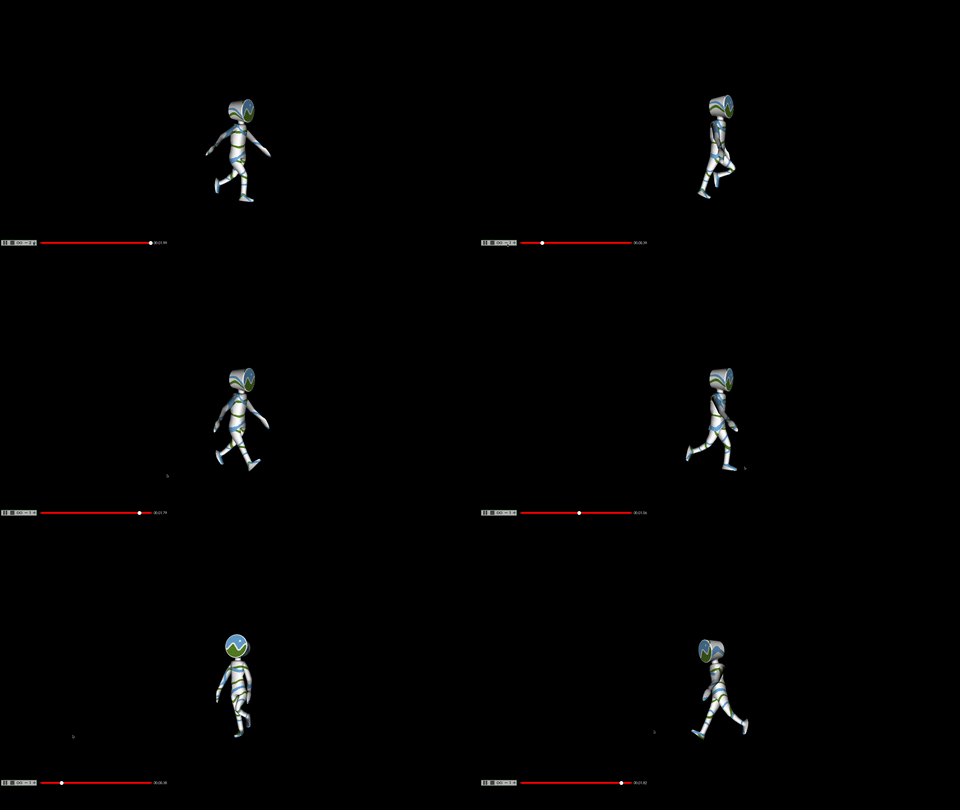
When the bones finally cooperate
The real celebration moment was getting multiple actors to work simultaneously. Here's the BrainStem model demo showing multiple parts animating together.
The Nerdy Details
Built with Python, OpenGL/VTK for rendering, and way too many hours staring at matrix multiplication order. Some fun challenges:
- The Inverse Bind Matrix Mystery: Took a while to understand it "undoes" the model's bind pose. Can't just multiply it with weights—learned that the hard way.
- Coordinate System Shenanigans: glTF's top-left origin vs VTK's bottom-left origin
- Parent Transforms: Realizing parent transformations were already baked into the actor construction saved a ton of redundant calculations
- Multiple Animations: Making different parts animate at the same time without breaking everything
What Got Merged
Shipped 5 major features and 5 smaller patches across 14 weeks:
- Basic glTF import
- Scene export to glTF
- Model fetcher
- Simple animations
- Skeletal animation
- Morphing support
PBR implementation is still pending, but it will be really cool to see some development on the PBR sides.